RATIO USER MANUAL
Welcome to the Ratio user manual
This manual explains how to read and organize your workspace: from transactions to statistics, budgets and assets. Follow the chapters in order or open the topic you need.
Before you start
Choose a workspace from the header. Family, Condominium and Portfolio have separate transactions, categories and rules. Check the active language and account if a label or result looks unexpected.
Ratio encrypts data on your device before syncing it. Search and analyze transactions using decrypted data available to the client. If you enable a local connector or AI tool, read its guide to understand which steps run on your device and which permissions you granted.
Suggested path
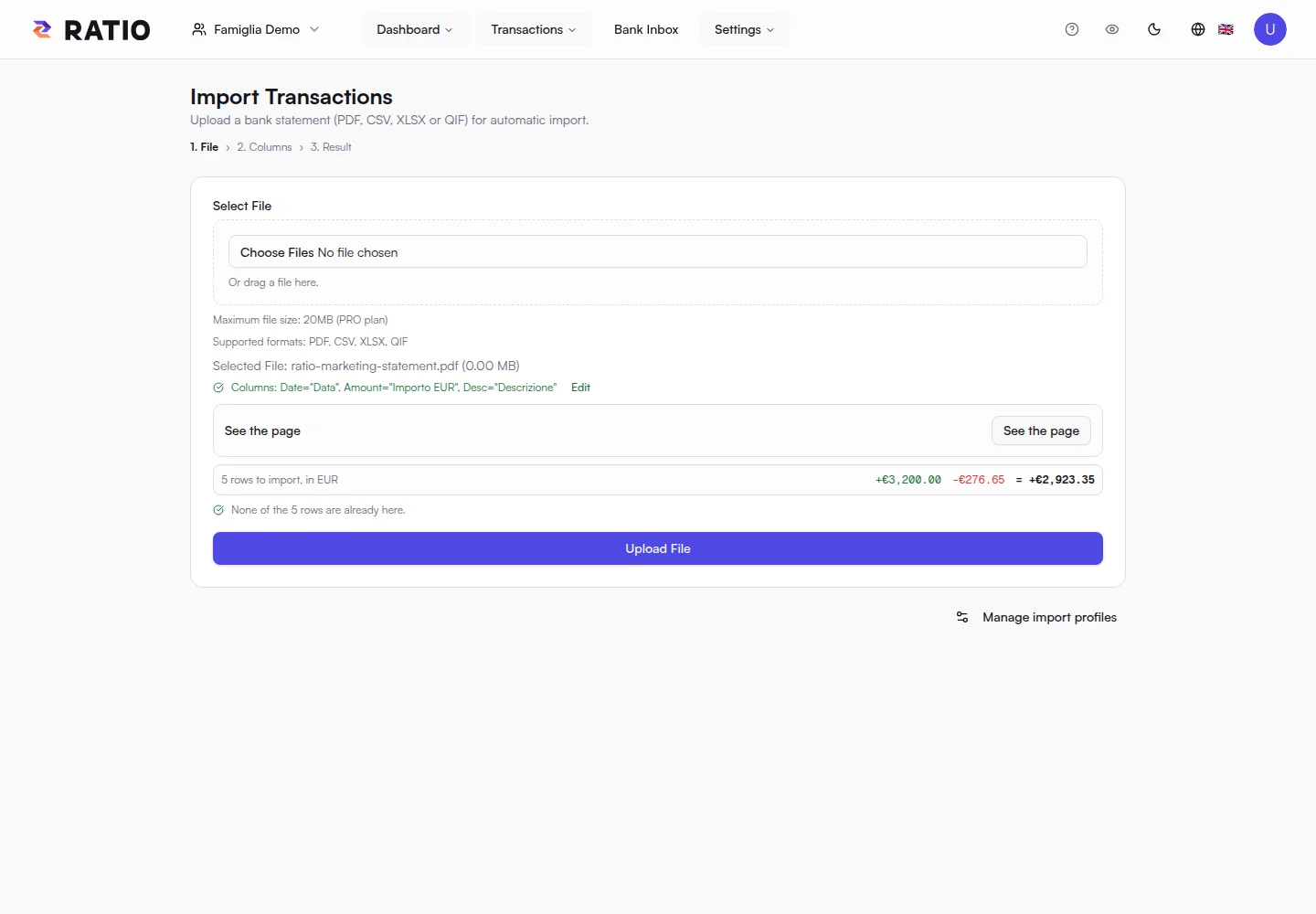
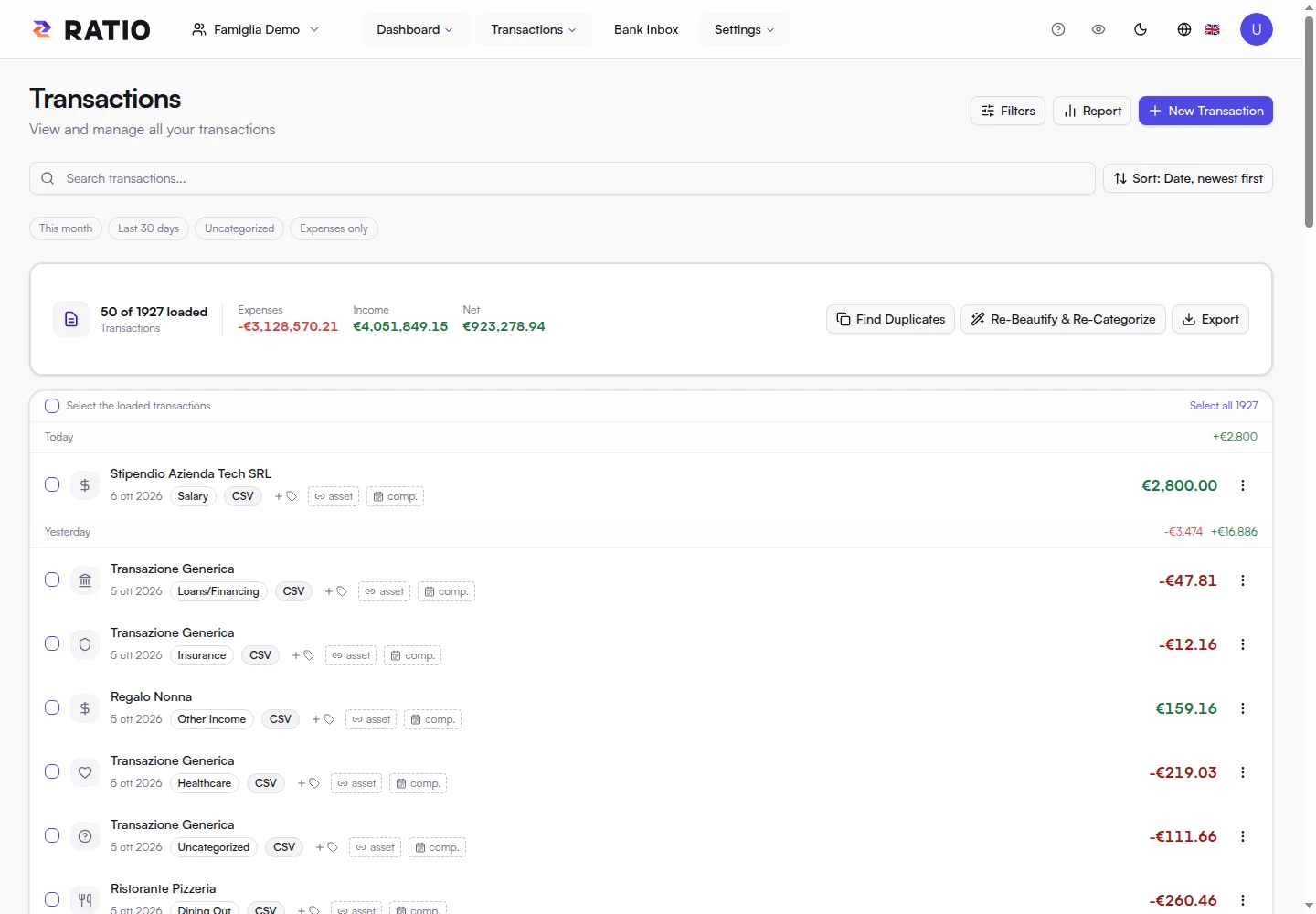
- Import a few sample transactions and review them in Transactions.
- Use filters to isolate a period and check categories and tags.
- Create the assets you want to track and link the relevant transactions.
- Read a Report to summarize a selection, and Statistics to explore periods and trends.
- Create rules after reviewing classifications manually.
Manual and FAQ
The manual explains complete procedures and examples. Help & FAQ answers common questions and offers contextual tours. For the taxonomy and custom categories, also see the category guide.
Screenshots